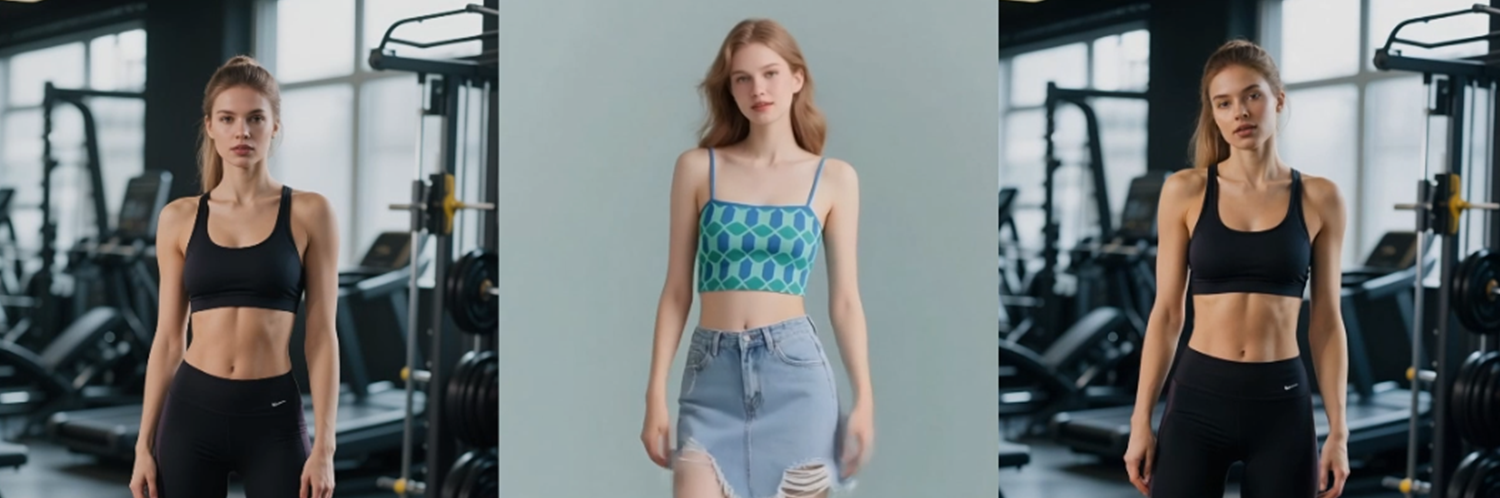
The Dance Looks Right—So Why Does the Person Look Different?
A dance can follow the reference while the person’s face, clothing, or body proportions begin to change. This article explains why that happens and offers.

john smith
The spin lands at the right moment. The arms follow the reference. The timing feels correct.
But the person is wrong.
The face is narrower. The shirt has changed shape. The shoulders look broader, and the body seems taller than the person in the photograph. The dance works, yet the result no longer feels like the same individual.
This is the central problem behind how to keep a person consistent in AI dance videos. We usually ask whether the movement looks right. A better question is whether the photograph and the chosen dance are compatible.
Consider a hypothetical example, not a real test. Someone uploads a waist-up portrait of a woman wearing a loose red jacket. The selected dance includes a full-body turn and a wide step. The movement is roughly correct, but the photograph contains no information about her legs, shoes, side profile or the back of her jacket. By the end of the turn, her face, clothing and proportions have changed.
The problem begins before the video is generated.
The Dance Reveals What the Photo Does Not Show
A photograph only records one pose from one angle.
A waist-up portrait does not show leg length, stance or shoes. Crossed arms hide parts of the hands. Hair may cover one side of the face. Furniture can block the lower body.
These details may not matter while the image remains still. They matter as soon as the dance requires the hidden areas to move.
The more the movement departs from the original pose, the more uncertainty enters the result. A full-body spin based on a half-body portrait creates far more uncertainty than a small shoulder movement.
A clear, well-framed source photo can reduce this problem, but it cannot guarantee that the person will remain unchanged. It provides better visual guidance; it does not supply views or body details that were never recorded.
More Than One Person Creates Confusion
A group photo introduces a simple question: who is supposed to dance?
Another person’s face, hand or shoulder may sit close to the main subject. During movement, those details can become mixed with the person being animated. A background figure may also begin moving when they were meant to remain still.
Cropping can help, but a tight crop may create a new problem if it cuts through hair, hands or clothing.
A stronger starting image usually has one clear subject, enough space around the body and no nearby person overlapping the outline.
The background matters too. Mirrors, crowds, strong shadows and busy patterns add edges that can compete with the subject once movement begins.
A Small Face Gives Identity Little Support
The body can follow the dance while the face changes because the original face is too small or soft.
If the eyes, mouth and hairline already lack detail, enlarging the output cannot recover exactly what the camera failed to capture. Heavy beauty filters can cause a similar problem by removing small features that make someone recognizable.
View the source photo at its actual size before using it. Check whether the eyes, eyebrows, mouth and hairline are still visible without heavy enlargement.
If the face is only a small patch, use a gentler movement, find a clearer photograph or accept that identity may become less stable.
The Dance Reference May Not Fit the Photo
A front-facing portrait is a poor match for a dance built around back views and fast rotations.
A person standing with both feet together offers little guidance for a deep side step. A long coat may remain recognizable during a gentle sway but change shape during a kick or spin.
Large movement is not automatically better movement.
When the person changes too much, the useful response is often to reduce the movement rather than add more detail. A shorter turn or smaller arm gesture stays closer to the information already visible in the photograph.
Check the Photo and Dance as a Pair
Start by confirming that the image has one clear subject.
Next, decide whether the dance requires a full-body or half-body photograph. Check that the face and the body parts used by the movement are clearly visible. Avoid heavily blurred limbs, hidden hands and feet cut off by the frame.
Then compare the starting pose with the dance reference:
Does the dance require a back view?
Does it include large steps that need visible legs and feet?
Will the arms cross the face or disappear behind the body?
Does the clothing allow the intended movement?
Is there enough space around the person?
If the dance asks for information the photograph does not contain, choose a closer movement or a more suitable source image.
Once the photo and dance reference pass these checks, generation can continue with an AI Viral Dance Generator. This does not guarantee that the face, clothing or body proportions will remain unchanged. The result still needs to be reviewed before it is kept or published.
Inspect the Difficult Part of the Movement
Do not judge the video only by its opening frame.
Watch it once at normal speed. Then pause at the largest turn, step or arm movement. This is often where identity changes become easiest to see.
Check the face, jacket shape, shoulder width, limb length, hands and feet. Move through several neighboring frames as well. A face may look correct in one paused image while changing slightly in the frames before and after it.
This frame-to-frame check is more useful than choosing the most flattering still image.
A Short Pre-Publish Checklist
Before keeping or publishing the video, ask:
Is the face recognizable throughout the movement?
Do the clothes retain the same color, shape and details?
Do the hands, feet and body proportions remain believable?
Does the background stay stable unless it is meant to move?
Do neighboring frames show the same person?
Does the dance match the framing of the source photo?
Do you have permission to animate and publish the person’s image?
If several answers are no, making a longer version is unlikely to correct the underlying mismatch. Change the photograph, reduce the movement or choose a dance that fits the available visual information.
A good photo-to-dance video is not simply one in which the movement resembles the reference. The more important test comes at the end: can the viewer still recognize the person who was there at the beginning?
About the Author
john smith
Independent writer covering AI tools, digital creativity, and practical online workflows. I share clear guides, comparisons, and observations to help readers understand new technology without the hype.