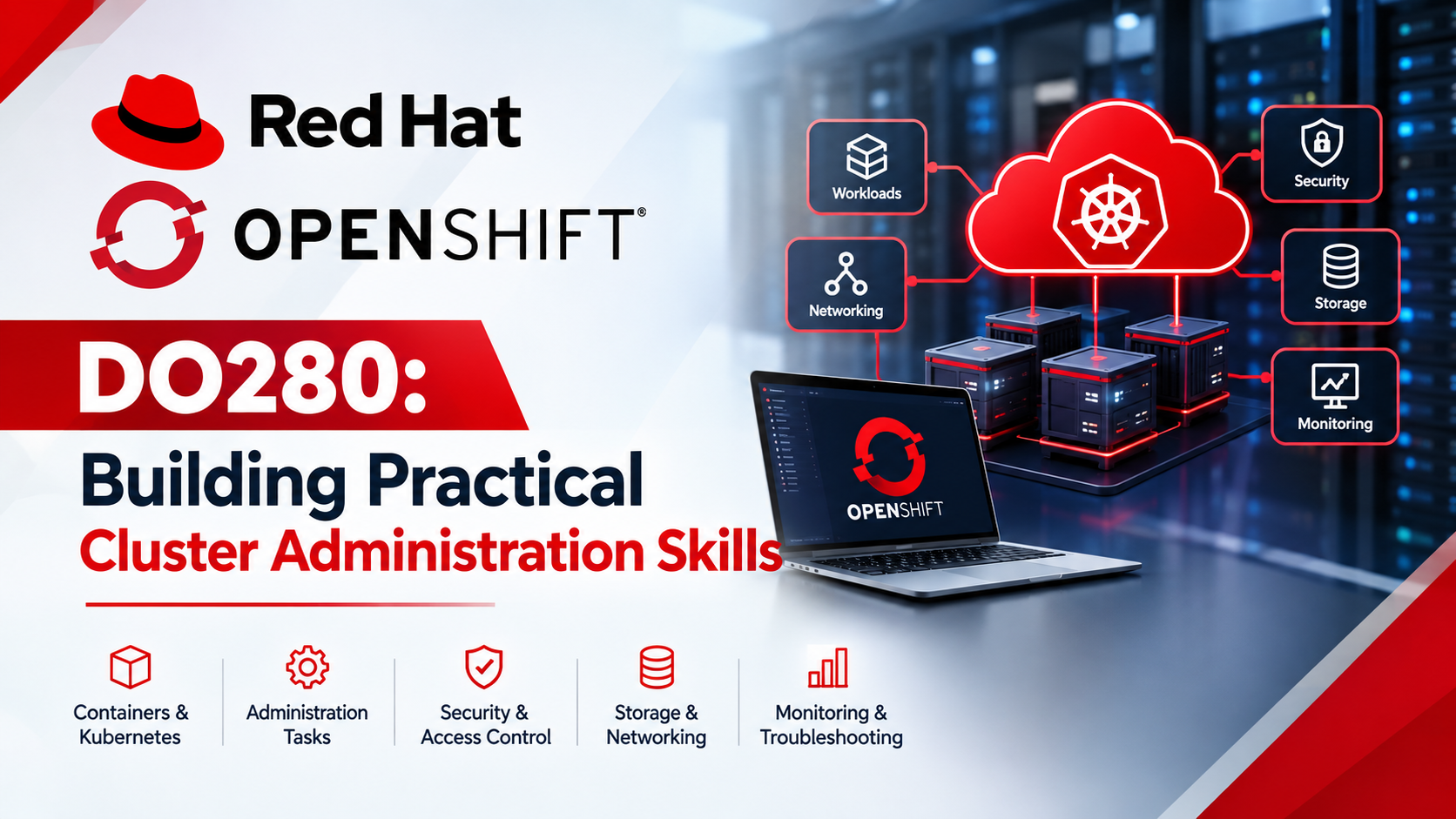
OpenShift DO280 Training: A Practical Guide to Cluster Administration
Learn OpenShift DO280 cluster administration, including workload management, security, networking, access control, and troubleshooting with practical guide
Uma Rajput
OpenShift is a Kubernetes-based platform used to deploy, manage, and scale containerized applications. Learning OpenShift administration can help IT students, Linux administrators, and DevOps professionals build skills for working with modern application infrastructure.
What Is OpenShift Cluster Administration?
OpenShift cluster administration involves managing cluster resources, monitoring application workloads, configuring access permissions, understanding networking, and troubleshooting operational issues.
Administrators work with resources such as pods, deployments, services, routes, and projects to support reliable application deployment and management.
Essential OpenShift Administration Skills
1. Workload Management
Learn how applications run in pods and how deployments manage application replicas. Practise inspecting workload status and investigating common deployment failures in a test environment.
2. Authentication and Access Control
Understand users, roles, permissions, and role-based access control (RBAC). Applying the principle of least privilege helps ensure that users receive only the permissions they need.
3. Networking and Connectivity
Explore services, routes, and network policies. Learn how applications communicate and how to investigate basic connectivity problems.
4. Security and Resource Management
Study workload security, resource requests and limits, quotas, and network restrictions. These concepts help administrators manage workloads and available resources responsibly.
5. Monitoring and Troubleshooting
Develop a systematic approach to diagnosing issues by reviewing resource status, logs, and events.
Useful OpenShift CLI commands include:
oc get pods— lists pods in the current project.oc describe pod— displays detailed information about a pod.oc logs— displays application logs.oc get events— lists relevant events.
Practising these commands in an authorized lab helps learners understand how to investigate common problems.
How to Practise OpenShift Skills
Start with Kubernetes fundamentals, Linux commands, and YAML configuration. Then deploy a sample application in a test cluster, inspect its resources, review application logs, and practise managing permissions.
Progress gradually to networking, security, resource management, and troubleshooting. Record your observations and verify changes before applying similar techniques to shared environments.
Explore OpenShift DO280 Training
WebAsha Technologies provides an OpenShift training resource for learners interested in developing cluster administration knowledge.
Explore the course here:
OpenShift Training Course:
https://www.webasha.com/courses/openshift-online-training-institute-certification-exam-center
Visit the main website for additional IT learning resources:
Check the course page for current training details and availability.
Conclusion
OpenShift administration brings together workload management, access control, networking, security, and troubleshooting. Structured learning combined with authorized hands-on practice can help learners build a foundation for working with Kubernetes-based platforms.
This article is an independent educational resource and does not imply official endorsement by Red Hat.
About the Author
Uma Rajput
Cybersecurity learner and technology enthusiast focused on practical skills in networking, Linux, ethical hacking, web security, vulnerability assessment, and security operations. I share beginner-friendly cybersecurity guides, learning roadmaps, and practical insights to help others build real-world IT and cybersecurity skills.