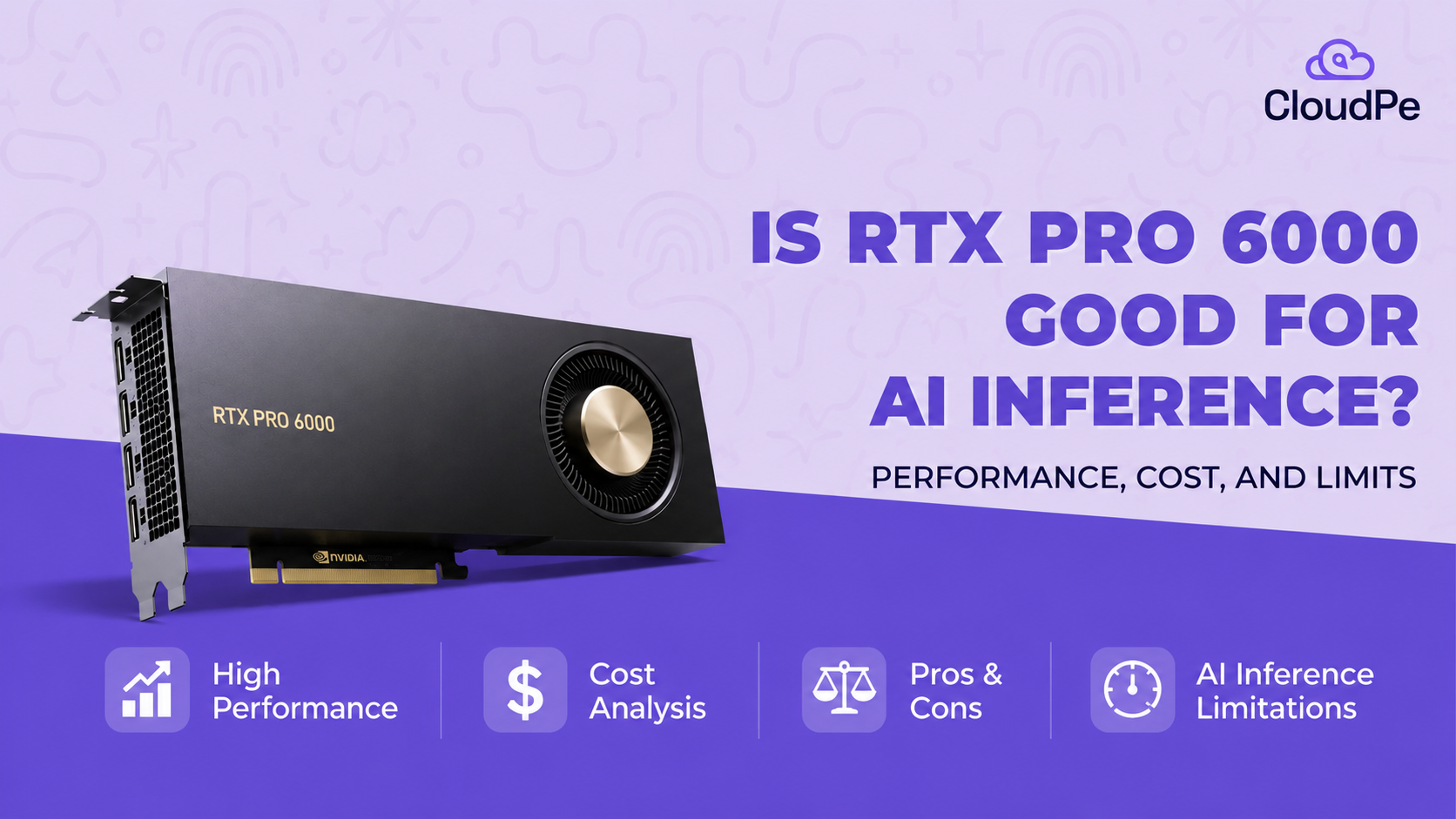
Is the RTX PRO 6000 worth it for AI and rendering right now
Explore whether the RTX PRO 6000 is worth it for AI inference and rendering. Compare 96GB VRAM, performance, pricing, rental costs, and use cases.

Prateek Navani
I get asked about this card constantly, usually by someone comparing it to a stack of RTX 5090s or wondering why the price keeps moving every time they check. Both are fair questions, and the answer depends entirely on what you're actually running.
Let me walk you through what this card is, why its price has gone a little insane, and when it genuinely earns its cost.
Quick answer: the RTX PRO 6000 Blackwell is NVIDIA's flagship workstation GPU, built around 96GB of GDDR7 memory, the largest VRAM pool on any single desktop-class card. It's the right choice when you need to fit large AI models or heavy rendering scenes in one slot. It's the wrong choice if your workload fits comfortably on a cheaper card, since you'd be paying a steep premium for capacity you won't touch. Its price has climbed sharply through 2026, from roughly $8,565 at launch to $16,000 on NVIDIA's own marketplace by August, driven almost entirely by a GDDR7 memory shortage, not any hardware change.
What exactly is the RTX PRO 6000 Blackwell?
It's NVIDIA's top workstation card, built to hold large AI models and heavy rendering scenes that won't fit on a consumer GPU.
Here's what's actually inside it:
Spec Detail
GPU die
Full GB202, 24,064 CUDA cores
Tensor cores
752, 5th generation, FP4 and FP8 support
RT cores
188, 4th generation
Memory
96GB GDDR7 with ECC
Bandwidth
1,792 GB/s
AI throughput
4,000 AI TOPS (FP4, sparse)
Power draw
600W
Form factor
Dual-slot, active dual-flow-through cooling
The number that matters most here is 96GB. That's double what its predecessor offered, and it's what lets this card hold models and scenes that would otherwise need to be split across multiple GPUs.
Why has the price nearly doubled since launch?
Because of a GDDR7 memory shortage.
Here's the actual timeline, and it's a rough one if you bought late:
When Price on NVIDIA's marketplace
March 2025 (launch)
~$8,565
Early-mid 2026
Stabilized around 8,000–9,400 street price
June 2026
$13,250
August 2026
$16,000
That's close to a 90% increase in under a year and a half, on a card whose specs never changed. The driver is the same one hitting GPUs across the industry right now: GDDR7 supply can't keep up with demand, and this card uses more of it, in a denser clamshell layout, than almost anything else on the market. Third-party retailers vary too. PNY has listed it lower, around $11,360, while some boxed retail listings have pushed past $14,000.
If you're budgeting for one of these, get a live quote before you commit to a number. Anything you read today could be stale by the time you're ready to buy.
Which edition should you actually buy?
Depends entirely on where the card is going to live. Get this wrong and you'll end up with hardware that doesn't fit your deployment.
Edition Cooling Best for
Workstation
Active, dual-flow-through, 600W
Desktop towers, single or dual GPU setups
Max-Q
Configurable 300–600W
Dense multi-GPU workstations, up to four cards
Server
Passive, rack-mounted
Headless data center deployment, Linux only
All three share the same GB202 die, the same 96GB of memory, and nearly identical compute. The differences are the cooling and deployment environment, not raw capability. The most common mistake I see is someone buying the Workstation edition for a multi-GPU rack build, where the active cooling and form factor just aren't designed for that density.
Is the 96GB actually worth paying for?
Only if your model or scene genuinely needs it. If it doesn't, you're paying a large premium for memory that sits idle.
Here's the honest performance picture. On a 30B parameter model, this card pushes throughput close to what a four-card RTX 4090 rig manages, in a single slot. That's a real, meaningful advantage if you're trying to keep a workstation compact.
But for single-user, single-request inference on a model that fits comfortably on a cheaper card, like anything under 32GB, the advantage mostly disappears. A single RTX 5090, at roughly a fifth of the price, shares the same 1.79 TB/s memory bandwidth and handles those smaller models just fine. You're not paying for speed at that scale. You're paying for room to run something bigger.
The real value shows up specifically at the 70B to 120B range, where models are too large for a single consumer card but don't yet require a full multi-GPU cluster. That's the gap this card was built to fill.
How does it actually perform for rendering?
Strongly, and this is where the card's second purpose earns its keep alongside AI work.
The 4th-generation RT cores and updated Tensor cores translate into real gains for creative and engineering workloads, not just AI. NVIDIA's own figures put it at roughly 2.5 times faster than the previous RTX 6000 Ada generation for AI training tasks, and about 4.5 times faster than a 64-core CPU for CFD simulation work. It's also ISV-certified across major CAD and DCC applications, which matters if your studio depends on validated driver support rather than best-effort compatibility.
For teams running mixed workloads, AI-assisted rendering, simulation, and interactive viewport work on the same box, this is genuinely one of the few cards built for exactly that combination.
Should you buy it or rent GPU time instead?
Given how volatile the price has been, renting is often the smarter starting point unless you already know you'll use this card constantly.
Here's what rental pricing looks like right now:
Provider Rate
AWS EC2 (G7e, single GPU)
~$3.36/hr
RunPod (Community Cloud)
~$1.69/hr
Modal
~$3.03/hr
Northflank (GPU + CPU + RAM included)
~$3.00/hr
Run the math on your actual expected usage before deciding. At $3 an hour, you'd need roughly 5,300 hours of use, a bit over two years of eight-hour workdays, to match a $16,000 purchase price. If your workload is steady and predictable, ownership starts to make sense well before that point. If it's occasional or you're still validating whether you even need this much VRAM, renting lets you find that out without locking in a purchase at a price point that's been moving fast all year.
Who should actually buy this card?
It comes down to a short list of situations where the extra memory genuinely changes what you can do.
You're running local inference on 70B to 120B parameter models and want that on a single card instead of a multi-GPU setup.
You're doing mixed AI and rendering work on the same workstation and need one card that handles both well.
Your studio needs ISV-certified drivers for CAD or DCC software, where compatibility matters as much as raw speed.
You need multi-instance GPU partitioning, running several isolated workloads on one physical card.
If none of these apply, and your models or scenes fit comfortably on a cheaper card, that's a strong signal to look elsewhere first.
What mistakes do buyers make with this card?
A handful of these come up constantly, and all of them are avoidable with a bit of upfront math.
Buying for capacity you won't use. If your largest model fits in 32GB, you're paying a large premium for headroom that never gets touched.
Choosing the wrong edition for the deployment. The Workstation edition's active cooling isn't built for dense multi-GPU racks. Check your deployment environment before choosing.
Pricing off an old quote. This card's price has moved multiple times in a single year. Get a current number before finalizing a budget.
Skipping the rent-versus-buy math entirely. At today's pricing, renting can be the more rational choice until your usage pattern is proven out.
The bottom line
This card earns its price in one specific situation: when you need to fit a large model or a heavy rendering scene into a single slot, and splitting the work across multiple GPUs isn't practical. Outside that situation, you're likely paying for memory you'll never use.
Check your actual model size or scene requirements first, then decide between renting and buying based on how steady your usage will be. That order gets you to the right answer faster than any spec sheet will.
About the Author
Prateek Navani
No bio available