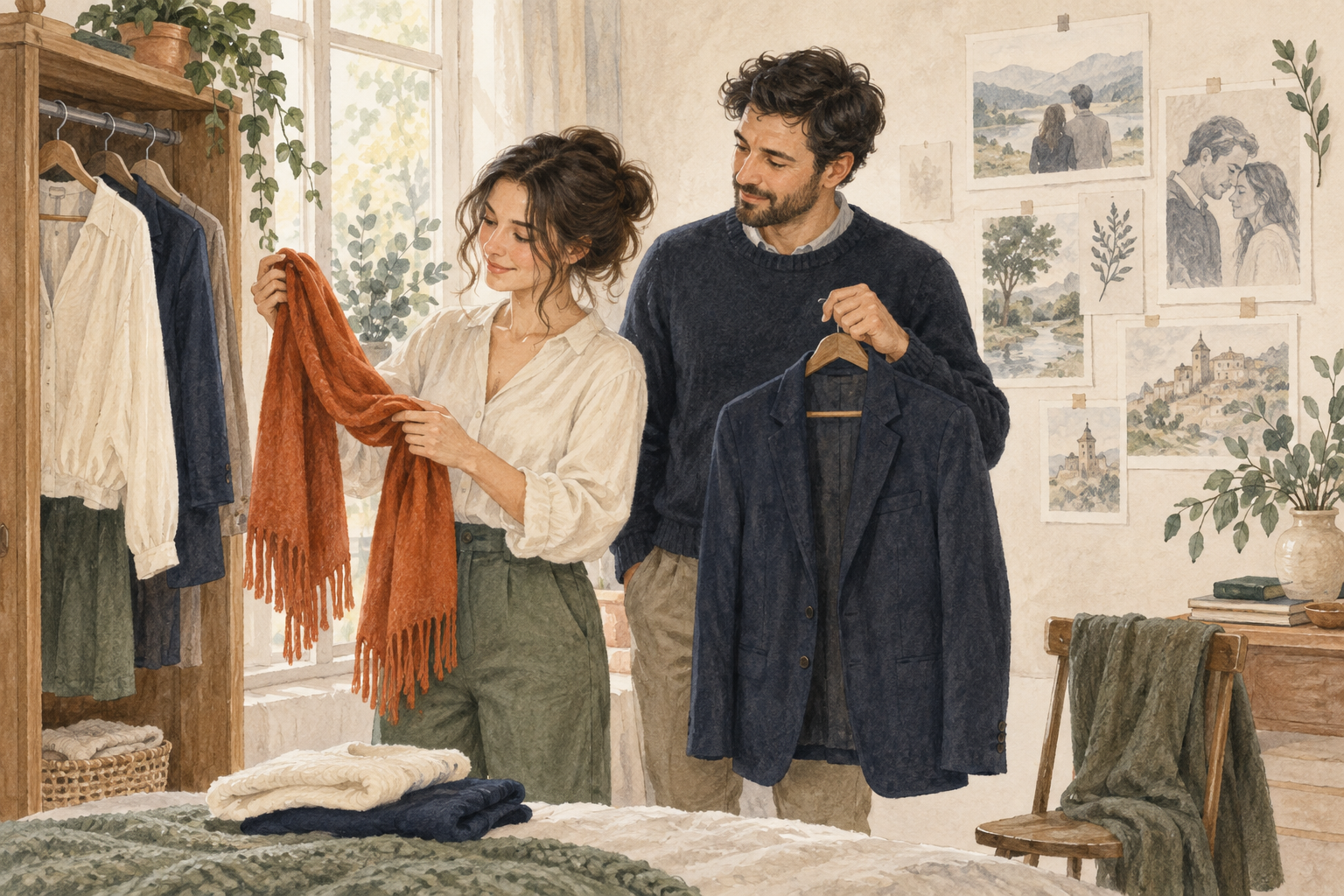
How to Choose One Outfit Accent Before a Couple Portrait
A five-step way to compare outfit accents, coordinate two people, and use AI portrait ideas without mistaking a preview for a real fitting.
Imya Visual Notes
A scarf looks right on its own. A jacket looks right on its own. Put them beside a patterned shirt, a busy background, and another person's outfit, and suddenly the portrait has too many things asking for attention.
My recommendation is simple: choose one outfit accent before you start making portrait variations. This is a planning method, not a fashion rule. You can break it deliberately; the point is to stop changing everything at once.
Here is a five-step way to keep both people comfortable, make the comparison useful, and leave room for the photograph to feel personal.
Disclosure: This guide is published by a team associated with Imya and Tryonr. The cover is an AI-generated conceptual illustration made with imagegen, not a product screenshot or a demonstrated result from either service.
1. Decide what the clothes need to support
Start with a sentence about the picture, not a shopping list. For example: “We want a relaxed portrait that feels like a quiet weekend together.” That gives you something to compare decisions against.
A dramatic metallic jacket might be interesting, but it may not support that particular sentence. A familiar knit or simple shirt might. Neither choice is universally better. They serve different pictures.
Write down the intended use too: a small framed print, a digital anniversary card, or a profile image. You are making a specific picture, not designing an entire wardrobe.
2. Choose a calm base for both people
Pick the main clothing first. Think about the two outfits together rather than requiring them to match exactly. Navy and cream, for example, can share a quiet mood without looking like a uniform.
Keep the first version familiar. Clothes you already like give you a useful baseline. They also make it easier to explain what you want to keep if you explore AI-generated alternatives later.
Ask each person what they do not want changed. That might be a favorite jacket, a preferred neckline, or simply the feeling of looking like themselves. Agreement matters more than a coordinated palette.
3. Test one accent, not five
Now choose a single accent: a rust scarf, a small piece of jewelry, or a colored jacket lining. Make two alternatives at most. Keep the base outfit, reference photo, and general pose as consistent as the tool allows.
You can explore outfit variations with Tryonr's AI clothes changer as part of this visual comparison. Treat the generated image as an idea, not a fitting-room result. It cannot establish whether a real garment will fit comfortably, feel good, or reproduce an exact fabric color.
If a variation also changes the face, body, or background, note that separately. You should not credit the clothing choice for a result that changed several unrelated things. A rough comparison is still useful when you are honest about its limits.
4. Put the accent back into the whole portrait
An outfit can work in isolation and feel distracting in the final setting. Look at the two people, their distance from each other, and the background together.
For the broader scene, Imya's couple portrait generator offers another place to explore a portrait concept. This is a separate creative step, not a claim that the two services share an integrated workflow or preserve every detail across generations.
Use only photos you have permission to upload. Both people should agree to the use of their images and to any public sharing. Avoid including private documents, visible addresses, or other unnecessary personal details in a reference picture.
5. Choose with three plain-language questions
Compare your options at a similar display size. Then ask:
Do we notice the people before the accessory?
Does the accent support the mood we wrote down?
Would both people be happy to keep and share this version?
If two versions feel equally good, choose the simpler one and stop. You do not need another ten variations to justify a preference.
Before using an AI-generated portrait, check faces, hands, garment edges, and unusual background details. Keep the original references separately, and label the final image appropriately when its generated nature matters to the audience.
The Bottom Line
One accent gives you one clear decision. Start with a mood, choose a familiar base, compare a small number of variations, and review the whole portrait together.
Try the exercise with clothes you already own before buying anything new. The goal is not a perfect wardrobe. It is a portrait in which the clothes help you notice the people.
About the Author
Imya Visual Notes
No bio available