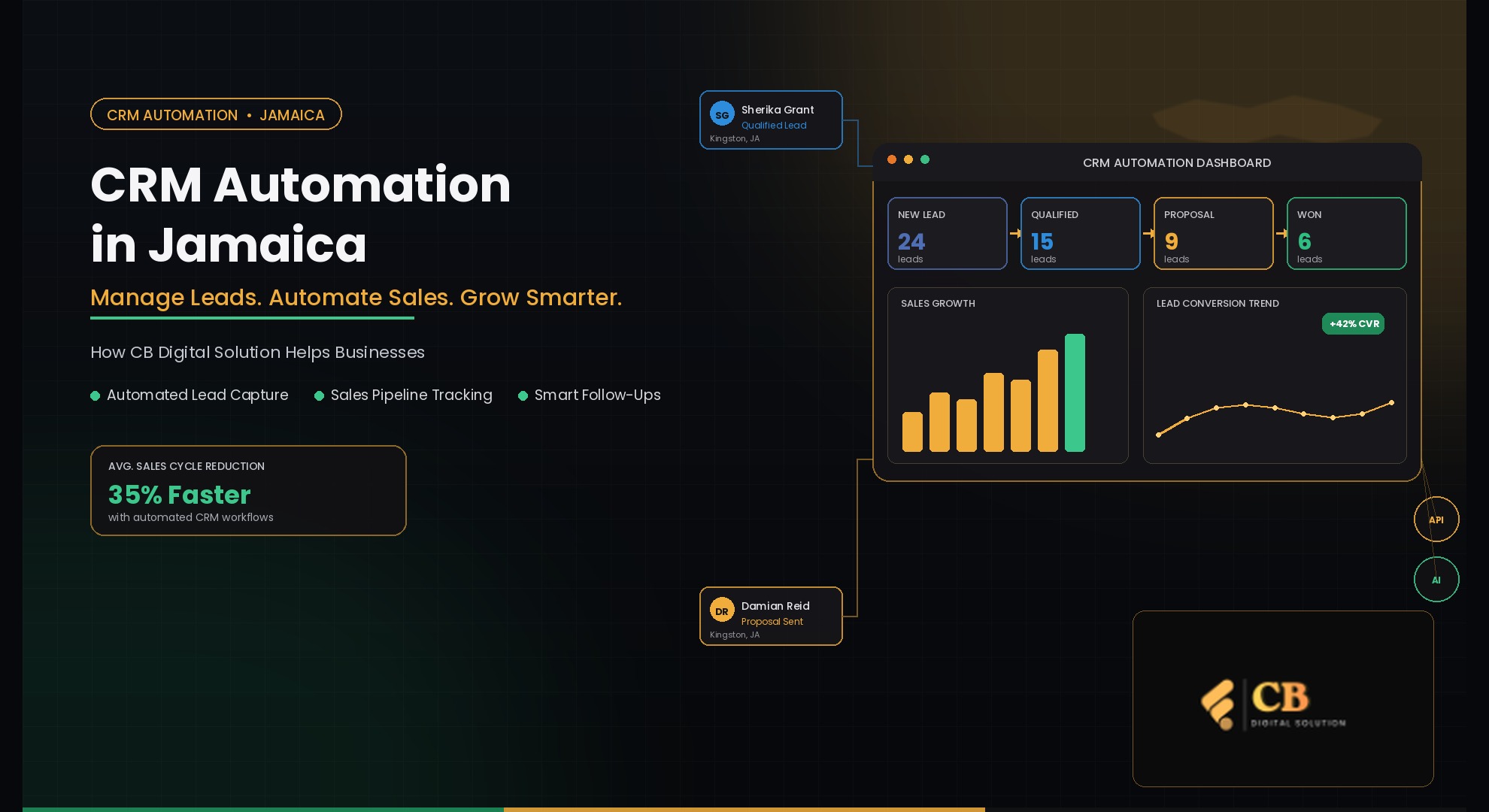
CRM Automation in Jamaica: A Smarter Way to Manage Leads and Sales
Discover how CRM automation in Jamaica helps businesses capture leads, automate follow-ups, manage sales pipelines, and improve customer relationships.

Zarmeena Khan
CRM Automation in Jamaica: A Smarter Way to Manage Leads and Sales
For a growing business, every customer inquiry matters.
A person may discover a company through Google, visit its website, send a WhatsApp message, complete a contact form, or call directly. But generating these inquiries is only one part of the sales process. The bigger challenge is making sure every potential customer receives the right response, follow-up, and attention.
This is where CRM automation in Jamaica can help businesses create a more organized approach to managing leads and sales.
Instead of relying on spreadsheets, scattered messages, emails, and manual reminders, businesses can use CRM technology to centralize customer information and automate repetitive parts of the sales process.
For Jamaican businesses that want to improve efficiency while delivering a better customer experience, CRM automation can become an important part of their digital strategy.
What Is CRM Automation?
CRM stands for Customer Relationship Management.
A CRM system helps businesses organize information about prospects and customers, including contact details, conversations, sales opportunities, activities, and customer history.
CRM automation takes this a step further.
It uses predefined workflows to automatically perform repetitive tasks based on actions or conditions.
For example:
New inquiry → Lead created → Sales representative notified → Follow-up scheduled → Opportunity tracked → Deal closed
Instead of employees manually managing every step, the CRM can handle routine actions while the sales team focuses on conversations and closing opportunities.
Why Are Jamaican Businesses Looking at CRM Automation?
Managing customers manually can work when a business has only a small number of inquiries.
But as the business grows, the process becomes harder.
A company might receive leads from several sources at the same time:
Website contact forms
Google Business Profile
Facebook and Instagram
WhatsApp
Email
Phone calls
Online advertising
Referrals
Landing pages
If these inquiries are stored in different places, employees may not have a complete picture of the customer.
A CRM creates a central location for this information.
This can make it easier for businesses to see who contacted them, what the customer wants, which salesperson is handling the inquiry, and what needs to happen next.
The Hidden Cost of Manual Lead Management
Many businesses don't immediately realize how much time is spent managing leads manually.
Consider a typical process.
A potential customer submits an inquiry. Someone checks the website form, copies the details into a spreadsheet, sends an email to a salesperson, adds a reminder to a calendar, and later searches through messages to find the customer's previous conversation.
Multiply that process by dozens or hundreds of inquiries, and the administrative workload can become significant.
More importantly, manual processes create opportunities for mistakes.
A lead might be:
Responded to too late
Assigned to the wrong employee
Forgotten completely
Entered twice
Missing important information
Left without a follow-up
CRM automation is designed to reduce these gaps.
How CRM Automation Helps Manage Leads
1. Capture New Leads Automatically
One of the first advantages of CRM automation is automated lead capture.
When a customer submits information through a connected website form or another integrated channel, the CRM can create a lead record automatically.
The sales team doesn't have to manually transfer every piece of information.
A lead profile might include:
Name
Contact information
Source
Service or product interest
Date of inquiry
Assigned representative
Current sales stage
This creates a more consistent starting point for the sales process.
2. Respond Faster to New Inquiries
Customers often contact several businesses when comparing products or services.
A slow response can therefore create a lost opportunity.
CRM automation can trigger immediate notifications or predefined responses when a new inquiry arrives.
For example:
Customer submits form → CRM records lead → Team receives notification → Initial response sent → Follow-up task created
The exact workflow can be customized according to the company's needs.
The purpose isn't to replace personal communication. It is to make sure the initial response and internal process happen consistently.
3. Automate Follow-Ups
Following up with prospects is one of the most important parts of sales, but it is also one of the easiest tasks to forget.
CRM workflows can help businesses schedule appropriate follow-ups.
For example:
New Lead
↓
Initial Contact
↓
Follow-Up Reminder
↓
Proposal or Quote
↓
Second Follow-Up
↓
Won / Lost / Nurture
This gives sales representatives a clear understanding of what should happen next.
For businesses using multiple communication channels, automated workflows can also support email, SMS, or other connected communication tools where appropriate.
4. Organize the Sales Pipeline
A sales pipeline provides a visual representation of opportunities.
A company might organize prospects into stages such as:
New → Contacted → Qualified → Proposal → Negotiation → Won
This makes it easier for managers and sales teams to understand the status of current opportunities.
Instead of asking employees individually for updates, management can review the CRM pipeline.
It can also help identify prospects that have remained inactive for too long.
5. Improve Lead Qualification
Not every inquiry has the same value.
Some prospects may be ready to purchase, while others are still researching their options.
CRM automation can help businesses categorize leads based on information such as:
Customer requirements
Product interest
Budget
Location
Engagement
Previous interactions
Sales stage
This allows sales representatives to prioritize opportunities more effectively.
CRM Automation and Customer Experience
CRM automation isn't only about improving internal efficiency.
It can also improve the customer experience.
Imagine contacting a company twice and having to explain your situation from the beginning each time because the employees cannot see your previous conversation.
A centralized CRM can help prevent this type of experience.
When customer information and previous interactions are accessible to the appropriate team members, employees can have more informed conversations.
This creates a smoother journey from the first inquiry to the final purchase.
CRM Automation for Small Businesses in Jamaica
CRM technology isn't limited to large companies.
Small businesses can also benefit from simple automation.
A small consulting company, for example, may receive only a few new inquiries each day. However, the owner may also be responsible for meetings, service delivery, invoices, marketing, and customer support.
Manually remembering every follow-up becomes difficult.
A CRM can handle reminders and organize customer information while the owner concentrates on running the business.
As the company grows, additional automation can be introduced.
This makes CRM automation particularly useful as a business moves from informal customer management toward more structured operations.
CRM Automation Across Different Industries
The right CRM workflow depends on the business.
Real Estate
Real estate companies can track property inquiries, buyer requirements, appointments, follow-ups, and sales opportunities.
Tourism
Tourism businesses can organize inquiries, customer information, booking-related communication, and repeat-customer relationships.
Professional Services
Consultants, agencies, accountants, lawyers, and other professional service providers can manage inquiries, consultations, proposals, and client relationships.
Retail and E-commerce
Retail businesses can use customer information and purchase history to support customer engagement and retention.
Healthcare and Clinics
Where appropriate and subject to privacy and regulatory requirements, CRM systems can help organizations organize inquiries, appointments, communication, and administrative workflows.
Construction
Construction and contracting companies can manage quotation requests, project inquiries, prospects, follow-ups, and customer communication.
The technology is flexible, but the workflow should always be designed around the actual business process.
What Should Businesses Automate First?
Businesses don't need to automate everything at once.
A better approach is to start with repetitive activities that consume time or frequently cause problems.
Good candidates include:
Lead capture
Lead assignment
Follow-up reminders
Appointment notifications
Sales pipeline updates
Customer notifications
Data synchronization
Reporting
Internal task creation
Starting small makes it easier for employees to understand the system and allows the business to improve its workflows over time.
How CB Digital Solution Approaches CRM Automation
For businesses considering CRM automation in Jamaica, the technology should be connected to the company's actual sales process.
CB Digital Solution presents CRM implementation as part of a broader automation approach, including centralized CRM systems, automated follow-up, lead capture, sales funnels, AI chatbots, and system integration.
This type of approach can help businesses move beyond simply storing customer information.
A practical workflow might look like:
Lead Capture
↓
CRM Record
↓
Lead Qualification
↓
Automated Follow-Up
↓
Sales Pipeline
↓
Human Sales Conversation
↓
Deal Conversion
↓
Customer Follow-Up
The objective is to create a connected system where information flows between stages instead of being repeatedly entered by employees.
CRM Automation Doesn't Replace the Sales Team
One common misconception is that automation means removing people from the sales process.
That's not the goal.
Automation is most useful for repetitive work.
A CRM can create reminders, organize information, assign tasks, and trigger routine communications.
But a salesperson still needs to:
Understand customer needs
Answer questions
Build trust
Recommend solutions
Handle objections
Negotiate
Close the deal
In other words, automation handles the repetitive work while people focus on the relationship.
Integrating CRM With Other Business Systems
CRM automation becomes even more useful when connected with other digital tools.
Businesses may integrate their CRM with:
Websites
Contact forms
Email platforms
Calendars
Marketing tools
Customer support systems
Sales funnels
Communication platforms
Analytics tools
The benefit is simple: information can move between systems without employees constantly copying and pasting data.
CB Digital Solution also highlights system integration as part of its automation services, helping businesses connect tools so information can move more efficiently between systems.
Measuring CRM Automation Success
Installing a CRM is not the final step.
Businesses should measure whether the system is actually improving their operations.
Useful metrics can include:
Number of new leads
Lead response time
Qualified leads
Follow-up completion
Conversion rate
Sales pipeline value
Closed deals
Lost opportunities
Customer retention
Sales team productivity
These measurements can reveal where improvements are needed.
For example, if a business receives hundreds of leads but only a small percentage become qualified opportunities, the problem may not be lead generation. It may be lead qualification or follow-up.
CRM data can help businesses identify these bottlenecks.
Building a More Organized Sales Process
CRM automation is ultimately about creating consistency.
A business should know:
Where did the lead come from?
Who is responsible for it?
What does the customer need?
What happened during the previous interaction?
What should happen next?
Did the lead become a customer?
When these questions can be answered quickly, sales management becomes more organized.
Final Thoughts
The way businesses manage customer relationships is changing.
For Jamaican businesses, CRM automation can provide a practical way to organize leads, reduce repetitive administrative work, improve follow-ups, and create clearer sales pipelines.
The most effective CRM strategy isn't necessarily the one with the most features.
It is the one that fits the business.
By identifying repetitive processes, connecting customer data, and automating appropriate workflows, businesses can create a sales system that is easier for employees to manage and easier for customers to navigate.
For companies exploring CRM automation in Jamaica, CB Digital Solution offers CRM implementation and broader automation capabilities designed around lead capture, follow-up, sales processes, and system integration.
About the Author
Zarmeena Khan
No bio available